
Home  /  News

Auto Schedule vs Whiteboard

<span id=Auto Schedule vs Whiteboard" style="width: 100%; height: auto; border-radius: 8px; display: block;">

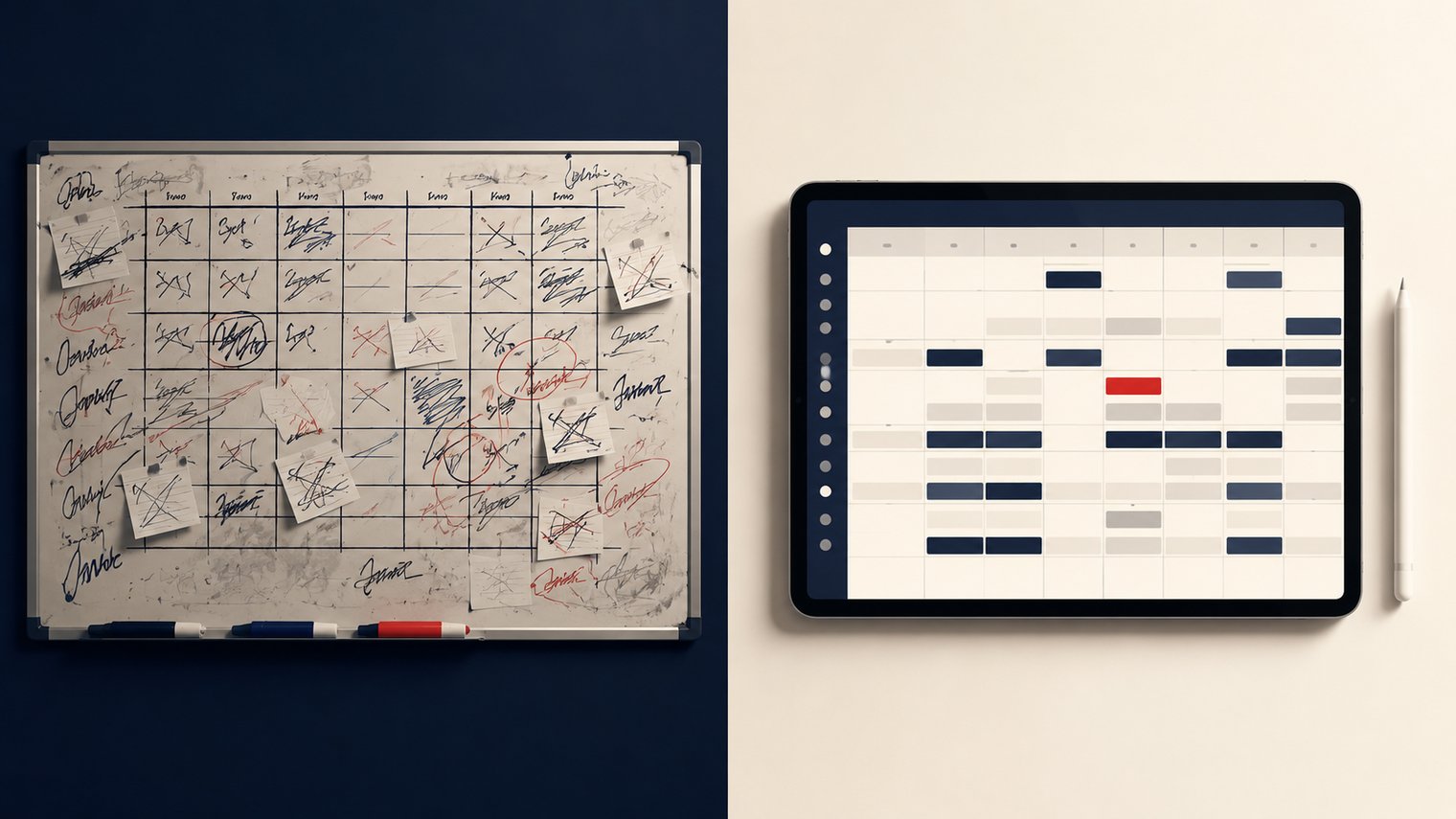
Most CFA stores still run their morning placement on a whiteboard. The whiteboard works. That is why it persists. But it costs roughly 30 minutes per Day Part per shift, and that time has to come from somewhere.

The time-savings math

30 minutes per Day Part × 5 Day Parts per day = 2.5 hours of Director or Leader time per day spent on placement. That is 17.5 hours per week, or roughly half a Director's full-time schedule.

Auto Schedule cuts that to under 5 minutes per Day Part. The Director gets ~15 hours back per week.

What the whiteboard does well that Auto Schedule does NOT replace

Two things. First, the whiteboard forces a Leader to think about the shift before it happens. Auto Schedule places everyone in 5 seconds, which can mean the Leader stops thinking about the shift before it starts. Second, the whiteboard is a teaching tool: new Leaders learn placement by watching it happen on the whiteboard.

OneClick's answer is to keep the human-in-the-loop. Auto Schedule is the starting point. The Leader still reviews and adjusts. The whiteboard's teaching role is replaced by the Layout Editor, which an experienced Leader can use to walk a new one through the placement logic.

Frequently asked questions.

Why does the whiteboard still work in most CFA® stores?

It works because it forces a Leader to think about the upcoming shift, and because new Leaders learn placement by watching it happen. The whiteboard is a teaching tool, not just a placement tool. Auto Schedule does not replace the thinking; it replaces the time cost.

Can Auto Schedule run if my Team Members have not been rated yet?

Auto Schedule will only place Team Members who have a rating on the position. Until you have ratings, Unassigned will be larger than usual. The first 30 days are heavy data-entry; after that, Auto Schedule produces a 90% complete layout in under 5 seconds.

Does Auto Schedule respect Min/Max position rules?

Yes. Each Position has a Min/Max (the number of Team Members it needs) and a Priority (the order it gets filled). Auto Schedule fills Priority 1 → 21 in order, respecting Min before moving to the next Position. The Operator's manual placements always stick.

How do I keep the Director's coffee position from getting auto-filled?

Use Priority -1 on that Position. Priority -1 means "never auto-fill"; the Position stays manual. Most CFA® stores set this for Director coffee, Operator catch-up shifts, and any other position where the Operator wants a specific Team Member.

See OneClick on your store.

A 20-minute demo, run by the OneClick team.

Book a demo See pricing