
Daily, weekly, and monthly checklists routed to the right Team Member at the right time. The closing Leader stamps the Daily Cleaning checklist and goes home; nothing falls between shifts.
It works most of the time. Once a quarter someone forgets to wipe down the FOH Cockpit station. Once a year someone skips the soft-serve sanitizer because they thought the next closer would do it. The Operator finds out at the Wednesday huddle, two weeks later.
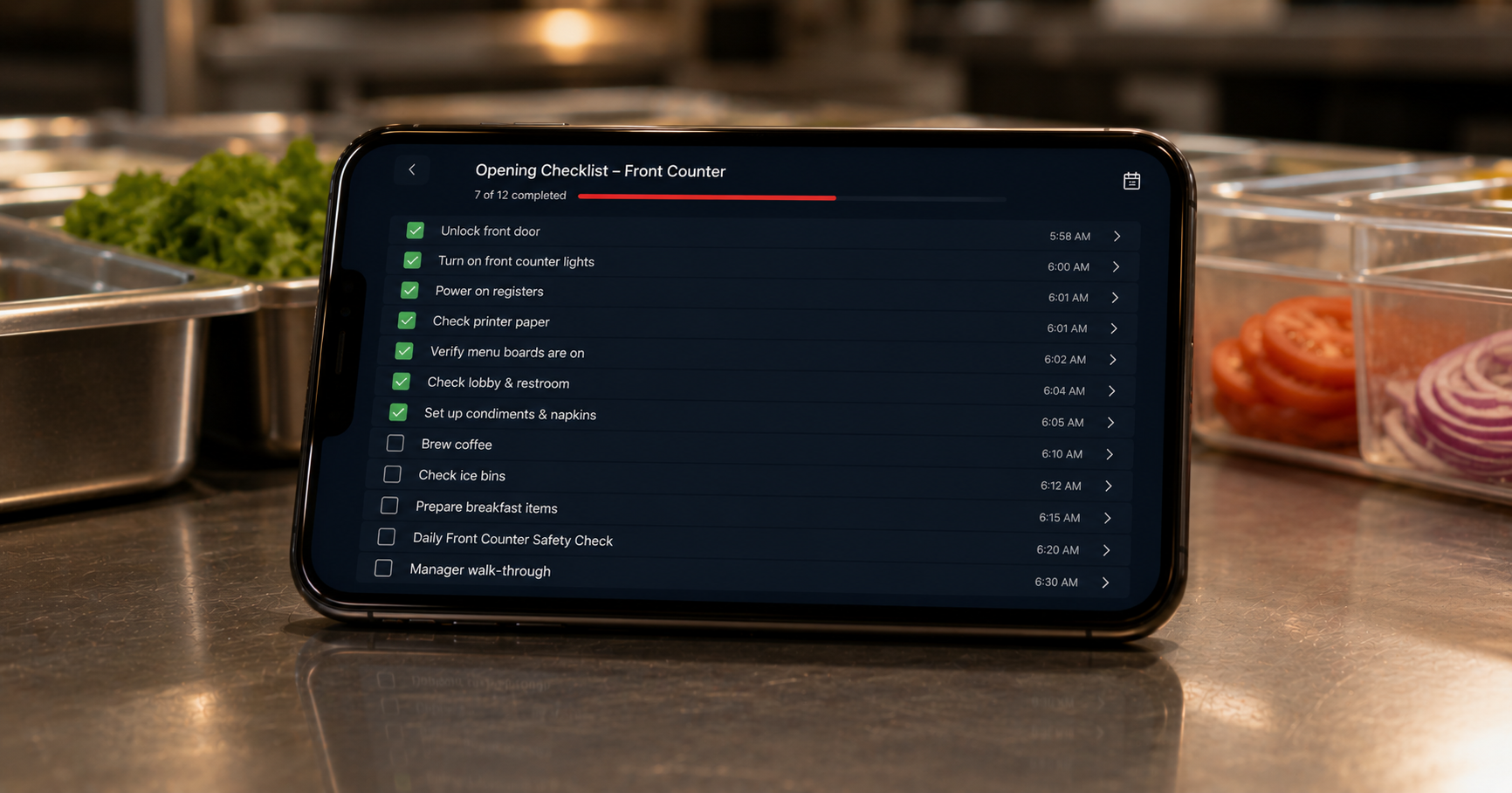
Every checklist (Daily, Weekly, Monthly, One-Off) is routed to the right shift. The Lists panel shows what is actionable now and what is on the way ("Daily Cleaning: Wait 10h"). The Review button greys out until the task is due.
At end-of-shift, the Leader stamps each item complete. Items that are not stamped roll forward to the next Leader's list. Patterns that repeat (same item missed three nights in a row) surface as a coaching prompt.
Checklists are not assigned by name. They are assigned by Position. If "wipe down FOH Cockpit" is associated with the FOH Cockpit Position, then whoever is in that Position at end-of-day sees the task. The Position-to-Checklist association is a one-time setup; after that, the routing happens automatically every shift.
Yes. A Team Member can attach a photo to a checklist item (e.g., "soft-serve machine cleaned" with a photo of the spotless machine). Photos are stored against the Team Member and the date.
One-Off Tasks are tasks that need to happen on a specific shift but are not part of a recurring checklist. The Leader creates them mid-shift; the Team Member they are routed to sees them on their phone.
The checklist falls to the Leader of the shift. If they cannot complete it, they roll it forward to the next shift with a one-line note ("could not get to soft-serve sanitizer; please prioritize").
See checklist routing against your store's actual closing routine.