
Auto Schedule reads every Team Member's training ratings and places them across the Layout for the current Day Part. The Operator and the Director's "Who Made the Set Up" position stay manual. Everything else is automatic.
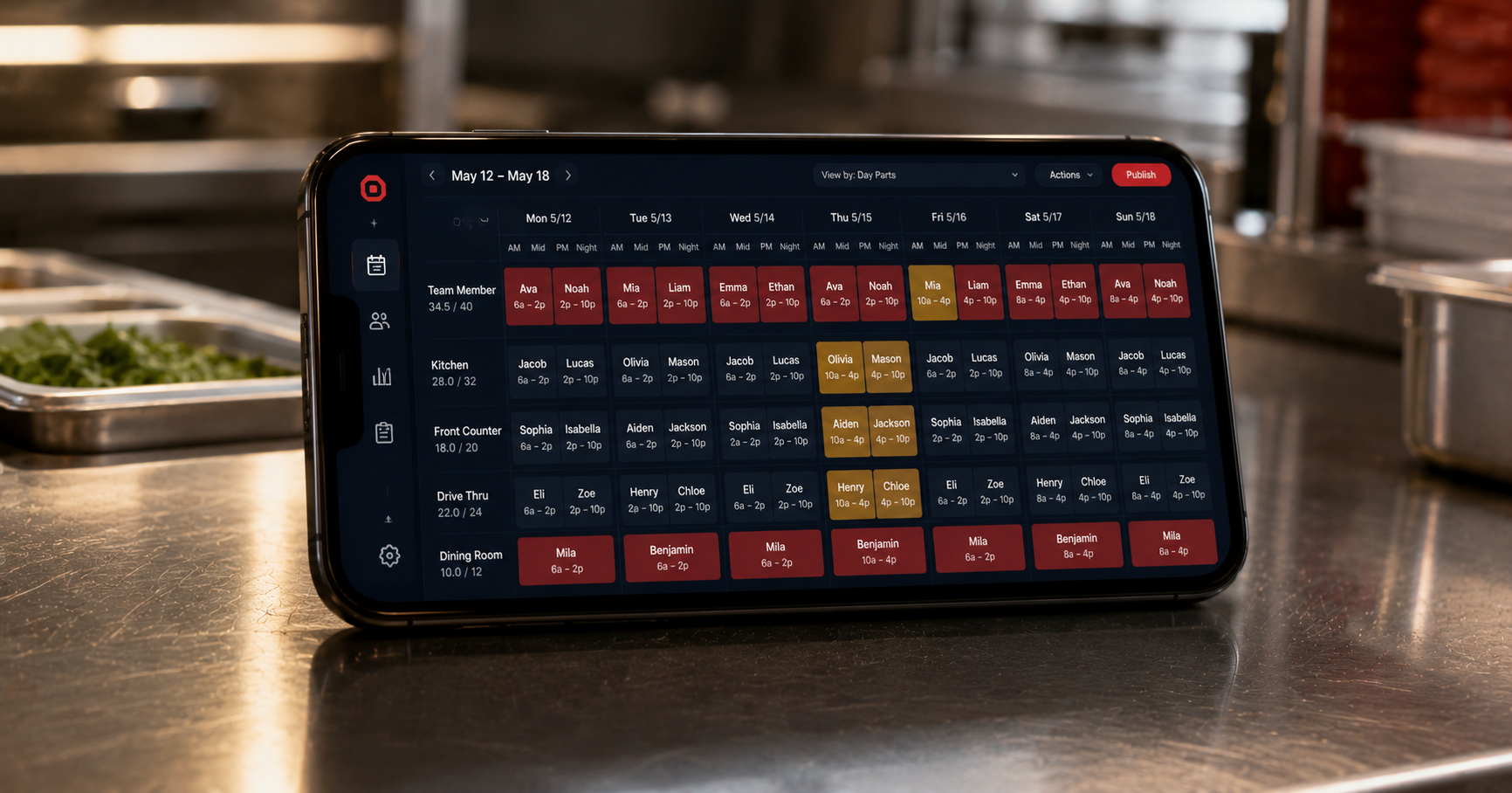
Achirin is good on FOH but not on iPOS 1. Beverly trained on Dining Room Host last week but hasn't been rated yet. The new hire from Tuesday is not qualified for any peak position. Your Leader holds all of that in her head while answering a callout text and finishing the breakfast wipedown.
Some of those placements will be wrong. Some Team Members will spend the lunch peak in a position they should not be in. The Director will either coach them or move them mid-rush. Either way, time is gone.
Every rating you and your Leaders enter feeds Auto Schedule. The next time anyone runs Auto Schedule, the system places each Team Member in the position they're best rated on, respecting the Min/Max for the position and the order of fill (FOH Lunch Peak fills before BOH).
You do not have to remember anything. The data does.
OneClick reads every Team Member's rating for every position they could be placed in. The four-tier model (not qualified, qualified, above average, super star) drives the decision.
Each position has a Min/Max (how many it needs) and a Priority (1-21 = ordered fill, 0 = second-pass, -1 = manual placement only).
The system fills the layout in priority order, putting the highest-rated qualified Team Member in each position. Everything else is left in Unassigned for the Leader to handle by hand.
The "Who Made the Set Up" position (usually the Operator or Director's morning coffee position) uses Priority -1, which means "never auto-fill." Same for any position you mark manual. Auto Schedule respects those flags. The Leader gets a starting layout that is 90% right, and they make the last 10% of judgment calls themselves.
Most Operators find that Auto Schedule cuts morning placement time from 25 minutes to under 5.
Yes. Most Leaders run it once at the start of each Day Part (Breakfast, Lunch Peak, Afternoon, Dinner Peak, Close). It is also safe to run mid-shift if you have callouts.
The position stays empty in the Auto Schedule output. The Leader places someone manually, knowing the Team Member will need close coaching during the shift.
Yes. Manual placements stick. Auto Schedule will not move them on subsequent runs unless the Leader clears the placement first.
About 30 days. The first week, you'll be entering ratings constantly. By week 4, the placement quality is at the level Operators report as "I trust it for the peak."
We will demo Auto Schedule against your real Day Part Layouts. Bring your skeptical Director.