
Training Passports, Speed Rating, and the four-tier rating model. Every Team Member's progression in numbers, not in notebooks.
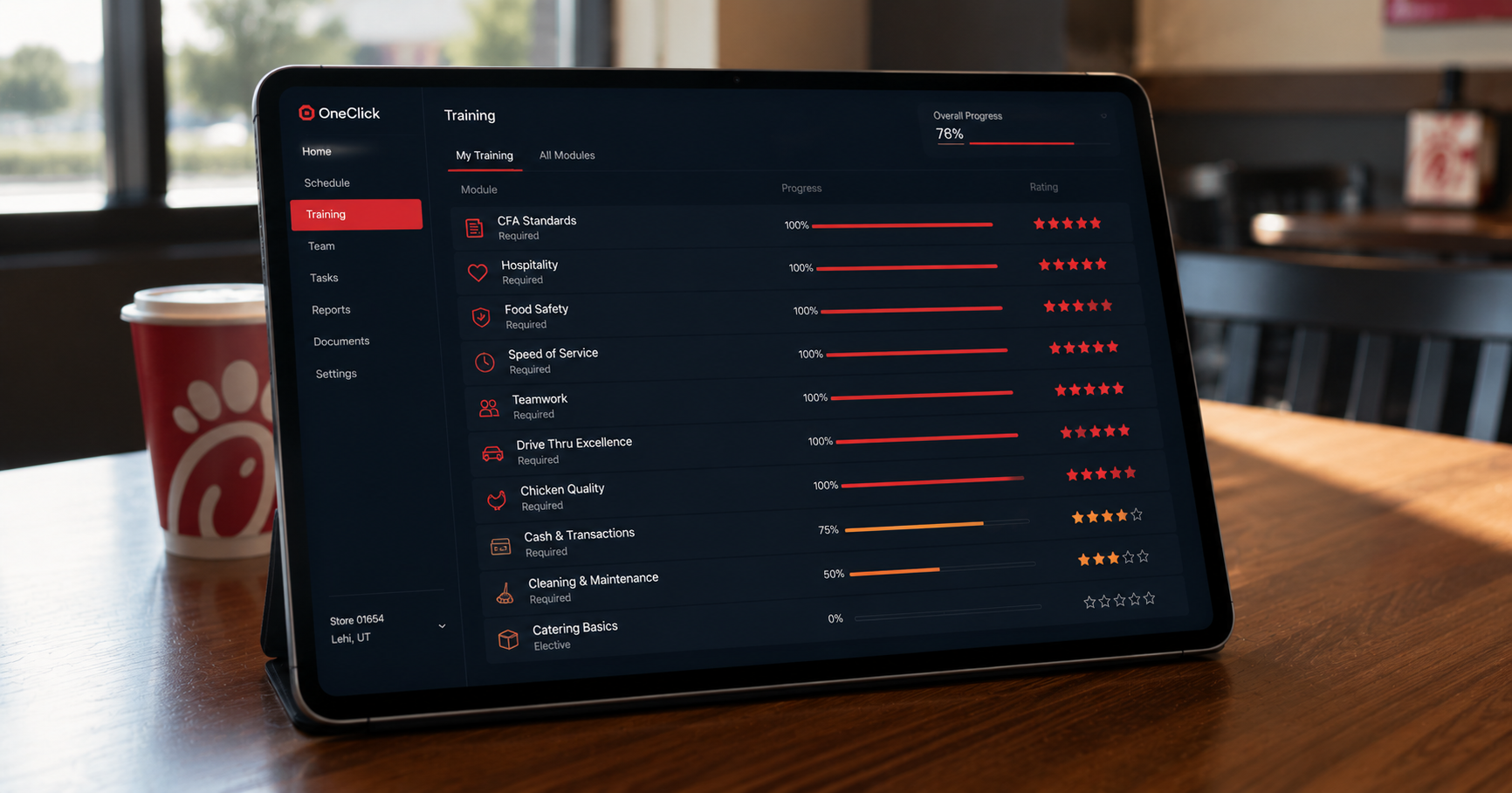
Every Operator has a training system. Some are great. None of them survive the moment the Leader who maintained the notebook leaves for college, takes a vacation, or transitions to another store. Training context evaporates. The new hire shows up to a position they are not qualified for. The customer feels it.
Each position has a Training Passport. Each Team Member earns the Passport by getting rated on the position. Ratings are entered in three taps from the Prompts panel during the shift, not at end-of-day in an office. Speed Rating sends a 3-star rating in one tap when a Leader just wants to record "yes, they are competent here."
Below 3.0 stars. Can be placed only with active coaching. Auto Schedule will not place them.
3.0-3.9 stars. Can hold the position during the peak with normal supervision.
4.0-4.7 stars. Can train others on the position.
4.8-5.0 stars. The Team Member you put on iPOS 1 when the line is out the door.
Below 3.0 means the Team Member is not Auto-Schedulable for that position. The four-tier system is a coaching language: "she's a 3, let's get her to a 4 by next month."
When a Team Member finishes a shift on a position they have not been rated on yet, the Prompts panel surfaces a Speed Rating chip: "How's Jose on iPOS 1?" The Leader taps it. Three stars. Submitted. The next time Auto Schedule runs, Jose is placeable on iPOS 1.
For positions where a more granular rating matters (FOH General, Drive-Thru Cockpit), the full rating form opens with the four standard rating dimensions most CFA Operators use: accuracy, hospitality, language, and shift understanding. Same speed for the Leader; deeper data for the Director's coaching.
A Training Passport is the digital record of a Team Member's progression on a position. It contains the items they have demonstrated, the ratings they have received, and the stamp once they reach the threshold. Adding a Training Position automatically creates the matching Passport.
Stamping a Passport means the Team Member has met three conditions: every Passport item is at 100%, a rating has been entered, and the rating is at or above 3.0 stars. A stamped Passport means the Team Member is fully qualified for the position.
Yes. The Mobile Dashboard surfaces every Team Member's ratings, Passport progress, and current tier. They see their numbers in the same language Leaders use to discuss them.
No. OneClick is not a replacement for the brand-standard training every CFA Team Member completes. That content covers what every store needs to know across the system. OneClick captures store-specific competence and translates it into a number Leaders use during shifts.
We will run the demo against your store's actual positions and rating dimensions.