
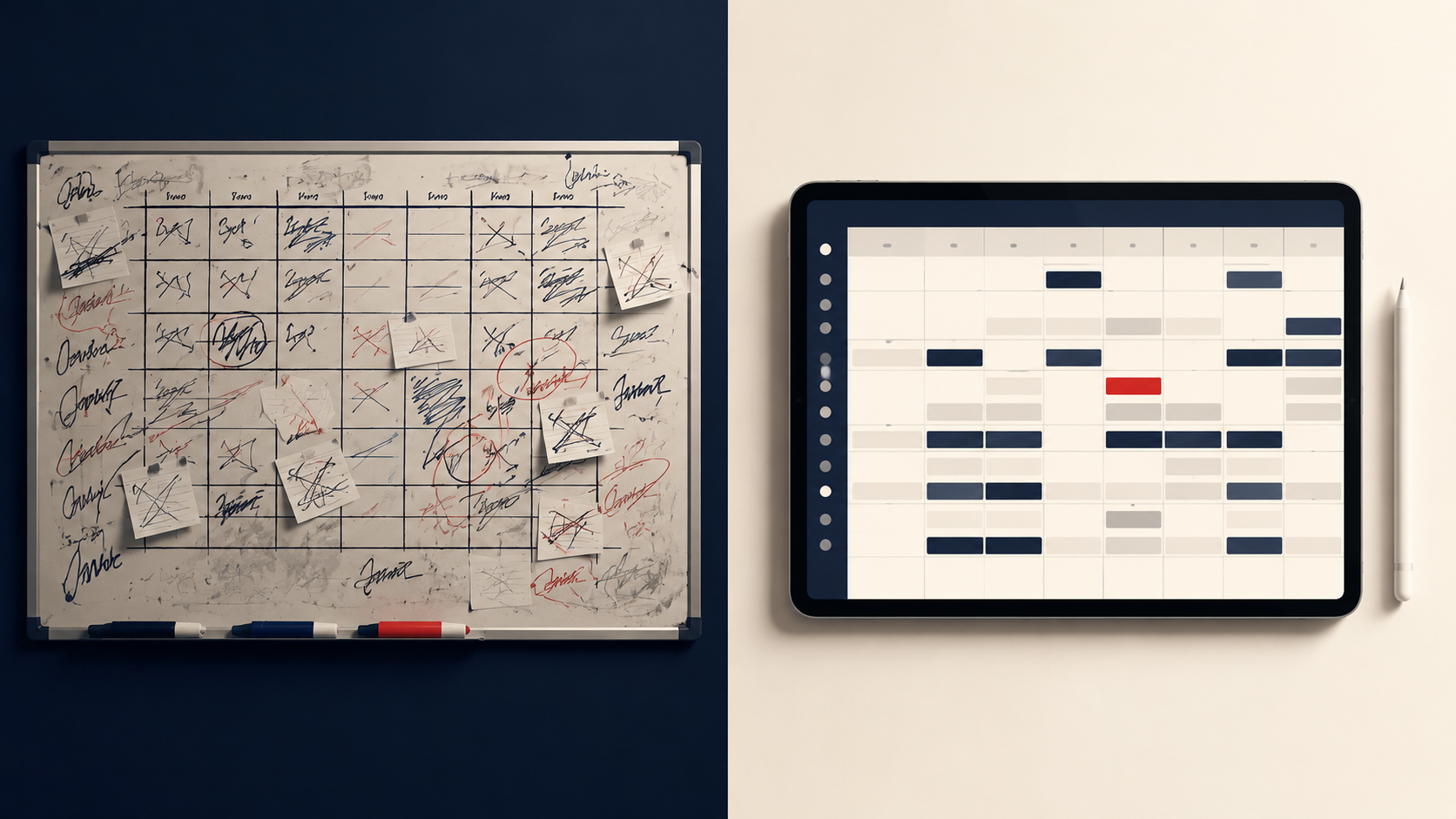
How do you build a Chick-fil-A® shift schedule? Start with the positions each daypart needs, match available and trained Team Members to those positions, plan break coverage, and publish through the scheduling system your restaurant uses. Review coverage with your leaders before the week starts.
Looking for your own work schedule? Your restaurant chooses its scheduling system and publishes your shifts. Ask your leader where to sign in. If your restaurant uses OneClick, open OneClick or visit OneClick Support for account help. This guide is for Operators and leaders building the schedule.
This guide covers how Chick-fil-A® Franchise Operators and their Teams actually build schedules that hold: the structure, the constraints, and the workflows that keep a shift covered without burning out the leaders who write the schedule.
What makes Chick-fil-A® scheduling different
Six-day weeks, high-volume dayparts. Sunday closure compresses a full week of sales into six days. Breakfast, lunch, afternoon, and dinner behave like different restaurants, each with its own staffing shape. A schedule built on daily totals instead of dayparts overstaffs the slow hours and understaffs the peaks.
A young workforce with real availability constraints. Many Team Members are students. Availability changes with class schedules, sports seasons, and exams. Youth-employment requirements depend on age, duties, and applicable federal and state law. A schedule that ignores these is not a schedule; it is a list of future call-outs.
Positions are not interchangeable. Front counter, drive-thru, kitchen, and leadership each need specific training. Putting an untrained Team Member on breading during a rush does not fill the slot. Real coverage means the right person, at the right position, at the right time.
The bar is higher. Chick-fil-A® stores run at a pace and standard the rest of QSR studies. The schedule is where that standard starts. Guests never see the schedule, but they feel it within thirty seconds of walking in.
The building blocks of a schedule that holds
1. Start from dayparts, not days
Build each day as a set of dayparts with a target headcount per position. When leaders see the day as six blocks instead of one, coverage gaps become visible before they become Saturday problems.
2. Keep availability current, in one place
Paper notes and text threads lose availability changes. Keep availability in the same system that builds the schedule, so a change a Team Member submits on Tuesday is in front of the leader writing Thursday's schedule.
3. Schedule to training, not just headcount
Track what each Team Member is trained and rated on, and build the schedule against positions. Ten people on the floor with nobody trained on primary is not coverage.
4. Plan breaks into the shift, not around it
Plan break coverage before the shift, track breaks as they happen, and keep the records your restaurant requires. Verify applicable requirements for your location and Team Members; a scheduling tool does not replace that review.
5. Publish early, change loudly
A schedule published late guarantees conflicts. A schedule changed silently guarantees no-shows. Publish on a consistent day, and make sure every change notifies the people it affects on their phones.
6. Close the loop after the shift
Compare what was scheduled against what actually happened. Chronic gaps in the same daypart are a forecasting problem, not a Team Member problem. The stores that improve are the ones that look.
What tools do Chick-fil-A® stores use for scheduling?
Most stores run one of a few approaches: spreadsheets and paper, general-purpose restaurant schedulers like HotSchedules, or platforms built specifically for Chick-fil-A® operations.
Spreadsheets can be a starting point. As availability, training requirements, and schedule changes grow, check whether your process still gives leaders a current view of coverage and a reliable way to communicate changes.
Restaurant scheduling platforms such as HotSchedules serve a broad market. Evaluate each platform against your store’s needs: dayparts, availability, approvals, training-based placement, break coverage, and the systems you already use. Ask to see those workflows in a demonstration rather than assuming every product or plan works the same way.
OneClick is built for Chick-fil-A® Franchise Operators and their Teams, connecting position placement, break management, checklists, training progression, and team communication. OneClick Q Scheduling runs alongside OneClick as Q adds scheduling intelligence and Q-native features. We plan for Q to completely replace HotSchedules for our Chick-fil-A® Franchise Operator customers by January 1, 2027. Confirm current availability and your required workflows before changing your restaurant’s scheduling system.
How OneClick Q helps leaders plan and run the shift
Q brings OneClick's AI assistance into the scheduling and shift-management workspace. In limited early access and customer pilots, leaders can explore these connected workflows:
- Ask Q: ask a scheduling question in plain language and review the shifts and Team Members behind the answer.
- Plan the week: see shifts, availability, position needs, and training context together.
- Check coverage: compare the schedule with the labor plan and review gaps before the busy dayparts.
- Develop the Team: connect Training Passports and readiness with placement and leadership development.
Q helps explain the options; authorized leaders make the decisions. Availability and publishing workflows depend on your store's pilot setup. Meet Q and explore its features, then review Q Scheduling with the OneClick team.
Next steps for Operators and leaders
Prepare one real week of your restaurant’s scheduling requirements, including availability, positions, training needs, and break coverage. Book a demo to review those workflows with the OneClick team and confirm which capabilities are available for your restaurant.
Frequently asked questions
How do I check my Chick-fil-A work schedule?
Use the scheduling app or website selected by your restaurant. Your leader can confirm which system to use and help with access. If the restaurant uses OneClick, sign in here. The public OneClick website does not display individual Team Members’ schedules.
How long is a Chick-fil-A shift?
There is no single shift length specified by this guide. Your restaurant’s published schedule gives your start and end times. Ask your leader about your assigned hours, availability, and break arrangements.
What is the best way to schedule a Chick-fil-A® restaurant?
Build by daypart and position, keep availability in the same system as the schedule, schedule breaks explicitly, publish on a consistent day, and notify every change. Ask your software provider to demonstrate each workflow using your restaurant’s requirements.
What scheduling software is made for Chick-fil-A® stores?
OneClick is built for Chick-fil-A® Franchise Operators and their Teams. Q runs alongside OneClick and adds scheduling intelligence and Q-native features. Confirm the current capabilities, integrations, and availability for your restaurant with the OneClick team.
How far in advance should a schedule be published?
Pick a consistent publish day and hold it. Consistency matters more than the exact lead time, because Team Members plan around the rhythm. Late changes should always notify the affected Team Members directly.
How do stores handle scheduling minors?
Check applicable federal and state youth-employment requirements before assigning hours and duties, then configure and review your scheduling process accordingly. Start with the U.S. Department of Labor’s employer resources and your state labor agency. Do not assume software settings alone establish compliance.